 UsageBar
macOS
AvailableSigned and notarized .dmg. Drag UsageBar to Applications. macOS 10.15 or newer. Updates itself.
UsageBar is a small macOS menu-bar app, now with a Windows beta, that shows how much Codex, Claude Code, Cursor, OpenCode Go, Devin, Antigravity, and Gemini CLI quota you have left — and when each limit resets. Same numbers the official apps show.
macOS 10.15 or later, signed and notarized · Windows 10/11 beta · No account, no server, no telemetry
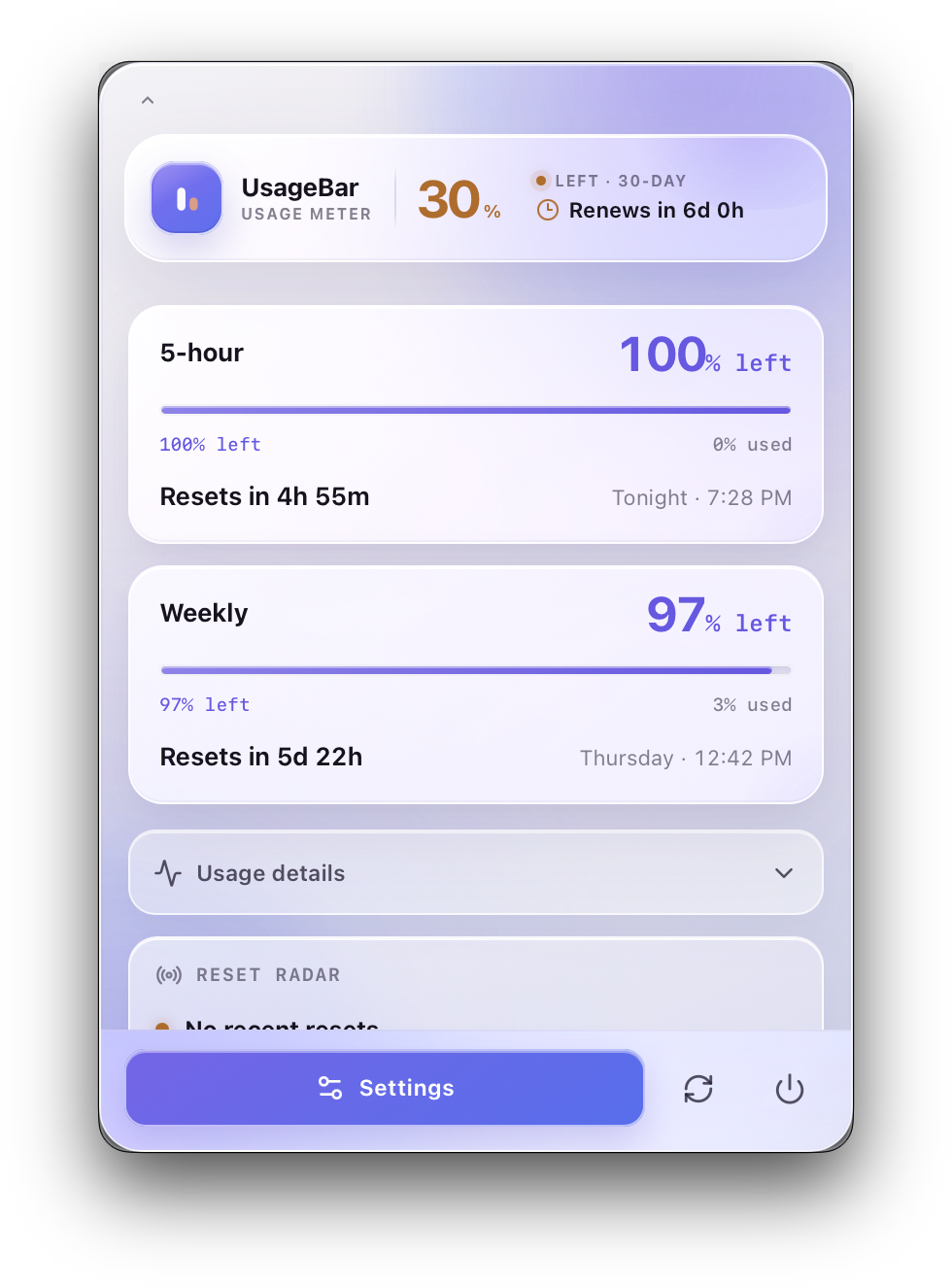
Reads each provider’s own usage endpoint, so the percentages match what Codex, Claude Code, Cursor, OpenCode, Devin, Antigravity, and Gemini CLI report.
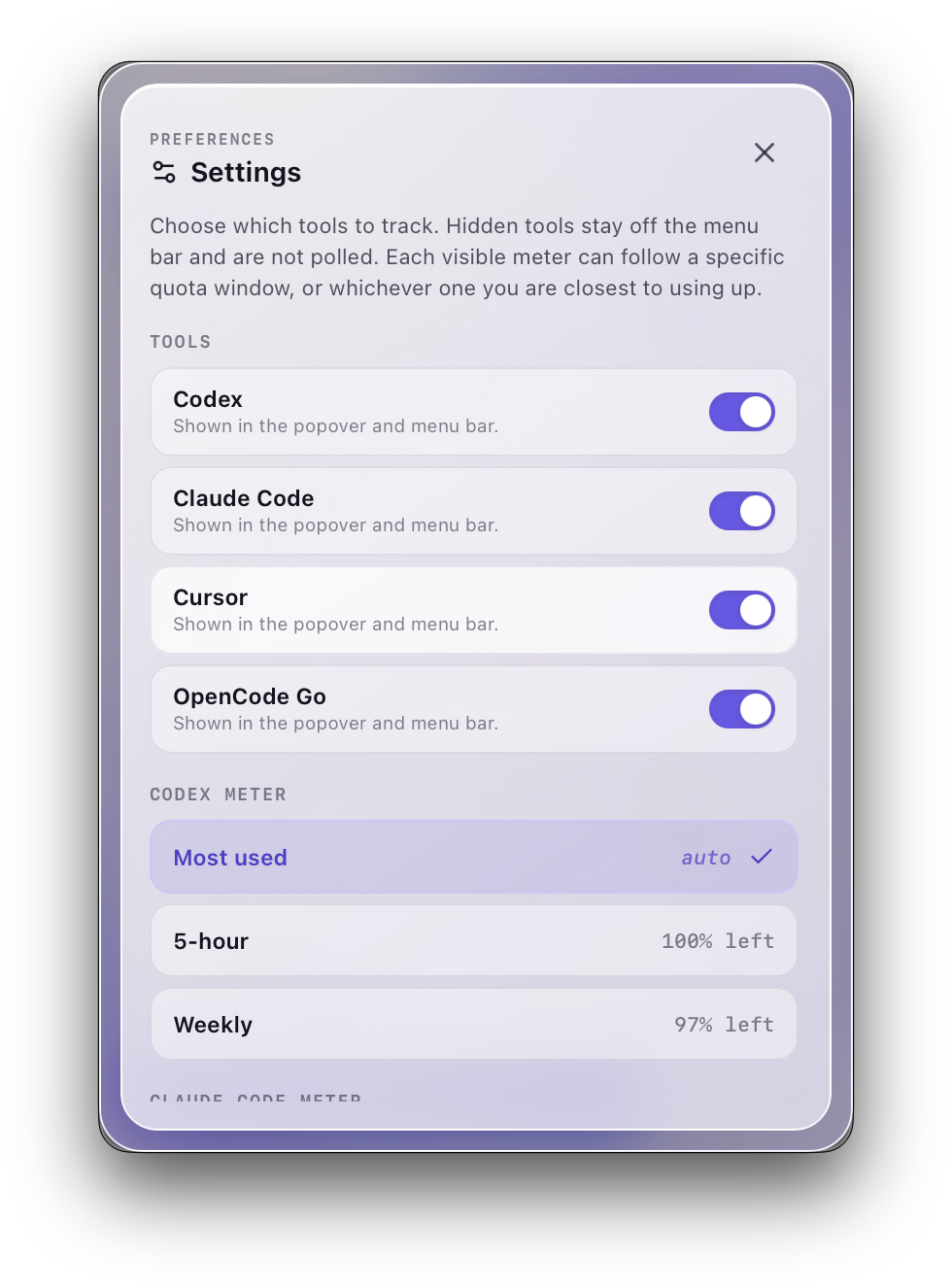
5-hour, weekly, and monthly limits, plus per-model caps — each with the exact time it resets.
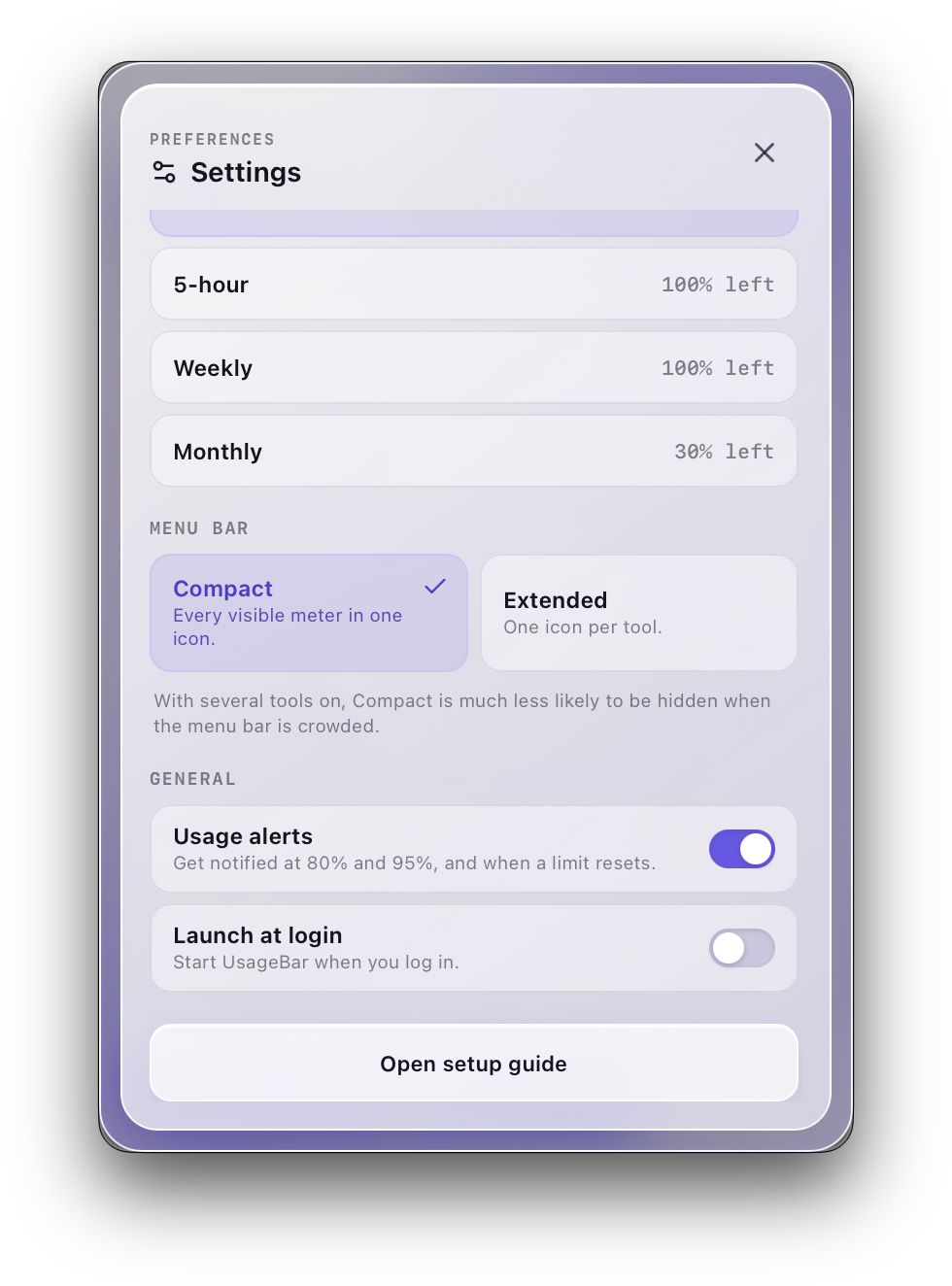
One menu bar item with every meter, or one icon per tool. Compact survives a crowded menu bar.
Notifications at 80% and 95% of a limit, and again when it resets.
Hidden tools leave the menu bar and are never polled.
Credentials stay on your Mac. There is no UsageBar server; nothing is sent to the developer.
The popover and settings, as shipped.
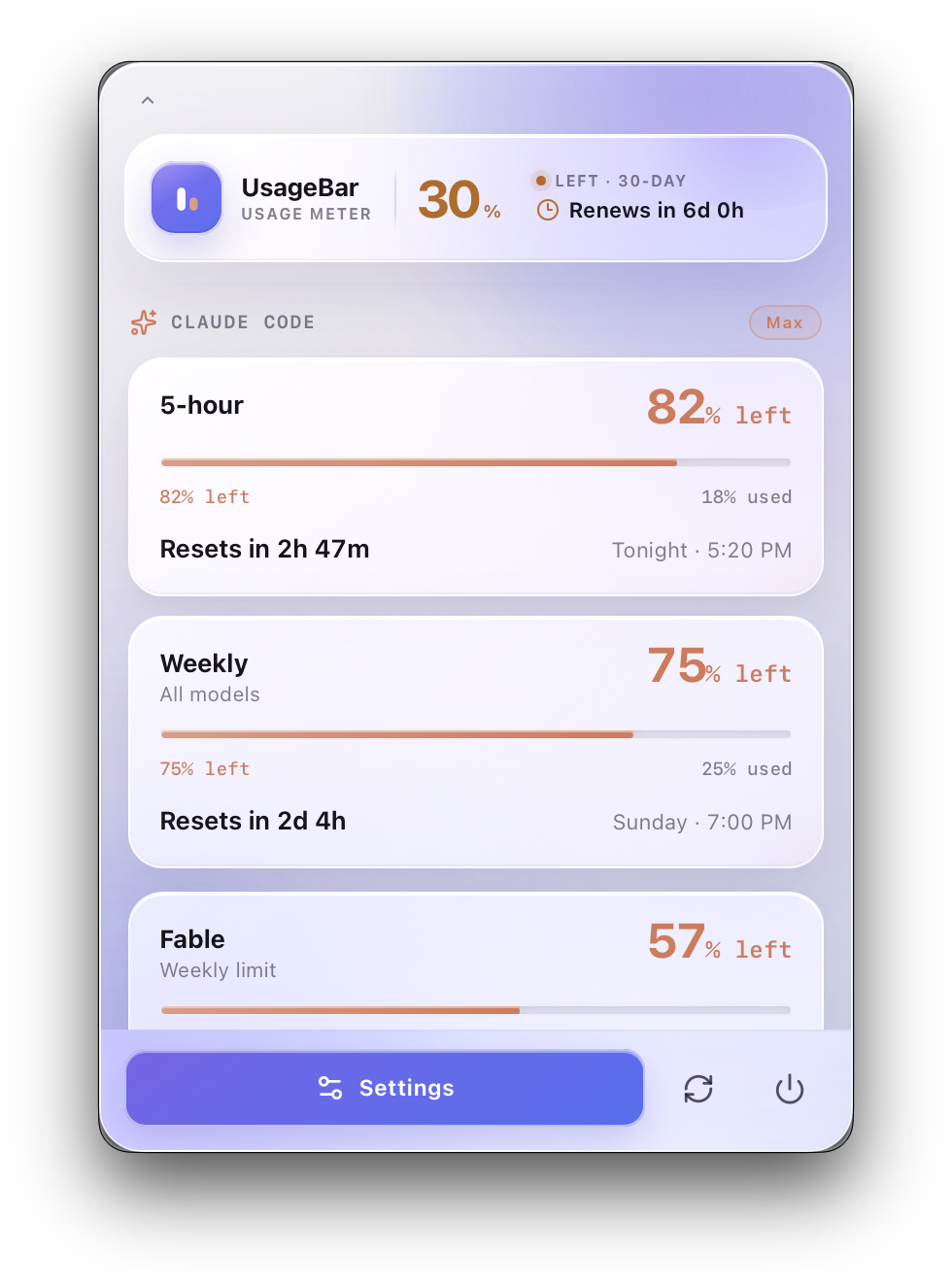
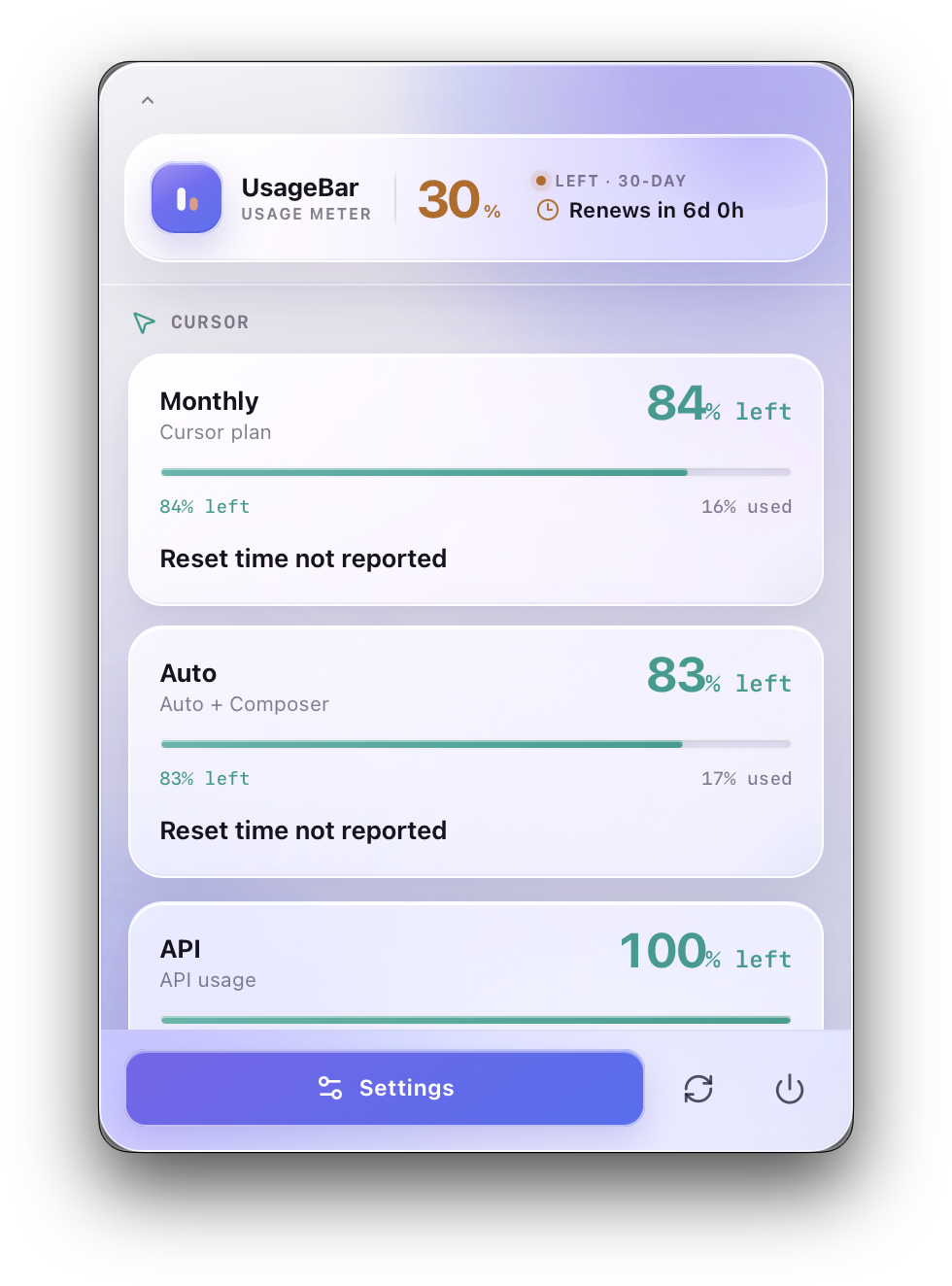
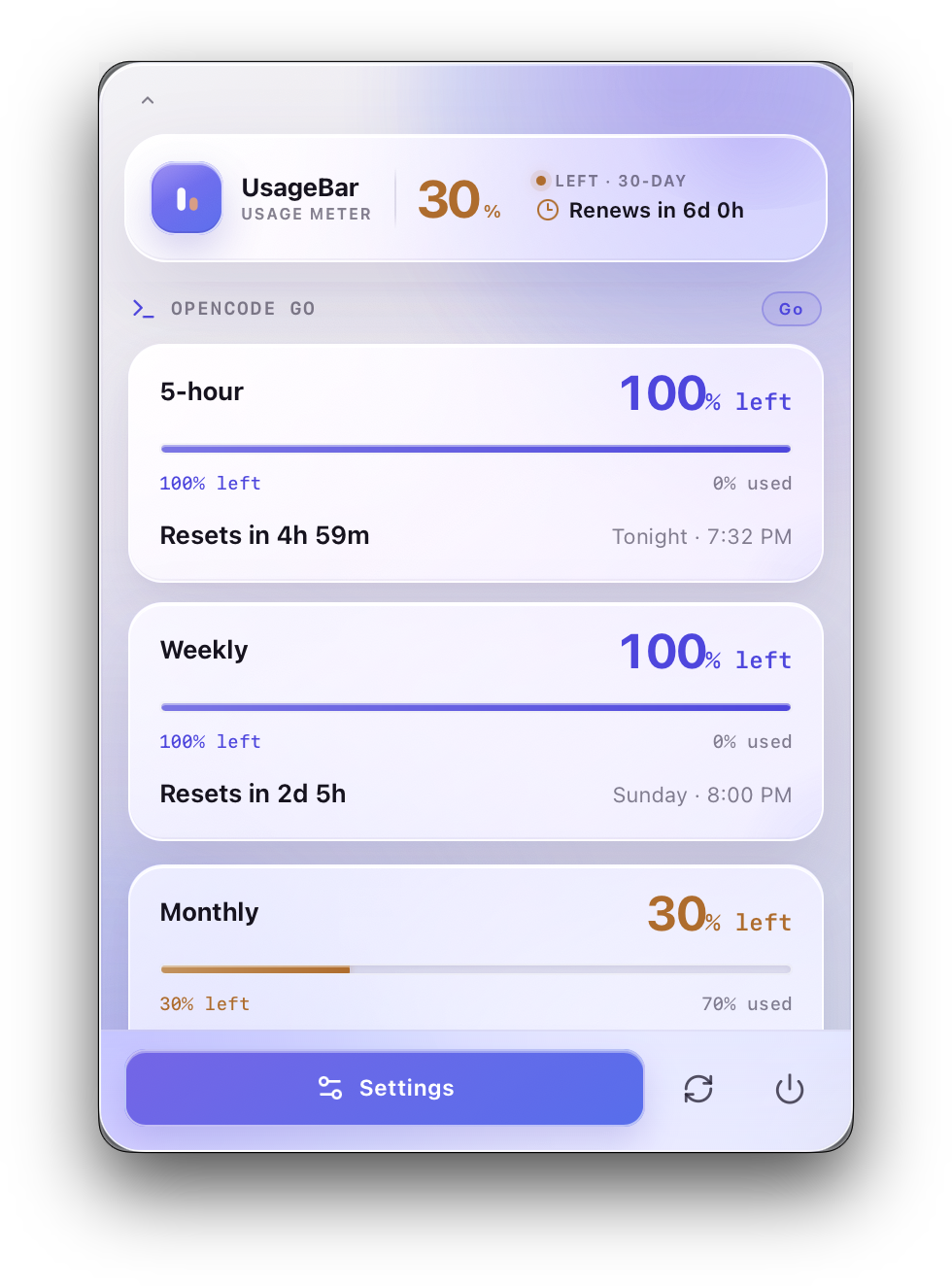
Uses the sessions the tools already keep on your Mac: Codex’s app server, Claude Code’s Keychain item, Cursor’s login database, OpenCode’s auth.json, Devin CLI’s credentials.toml, Antigravity’s Keychain item, Gemini CLI’s oauth_creds.json.
Fetches usage on an interval and when you click. Each provider handles that traffic under its own policies.
No UsageBar server, account, or telemetry. Quit the app and nothing keeps running.
A small macOS menu bar app, with a Windows beta, that shows how much AI coding quota you have left — Codex, Claude Code, Cursor, OpenCode Go, Devin, Antigravity, and Gemini CLI — plus when each limit resets.
No. Credentials stay in the places each tool already keeps them on your Mac — Keychain items, local databases, config files. There is no UsageBar server, account, or telemetry.
Yes — free and open source. The Mac version is a signed and notarized .dmg; the Windows beta is a -setup.exe installer. Both are on GitHub Releases.
It reuses the login each tool already keeps on your Mac and polls that provider’s own usage endpoint, so the percentages match the official apps.
CodexBar covers dozens of providers with a richer dashboard. UsageBar is a smaller on-device meter focused on the AI coding CLIs, with per-window reset countdowns and a compact menu-bar mode.
Yes — Settings has a toggle per provider. Hidden tools leave the menu bar and are never polled.
Signed and notarized .dmg. Drag UsageBar to Applications. macOS 10.15 or newer. Updates itself.
Per-user installer for Windows 10 and 11 (x64). Lives in the system tray, with a small Codex meter above the taskbar. Not code-signed yet, so SmartScreen asks once (More info → Run anyway). No auto-update: install a newer build over the old one.
Download the .exe